 nudgeTab
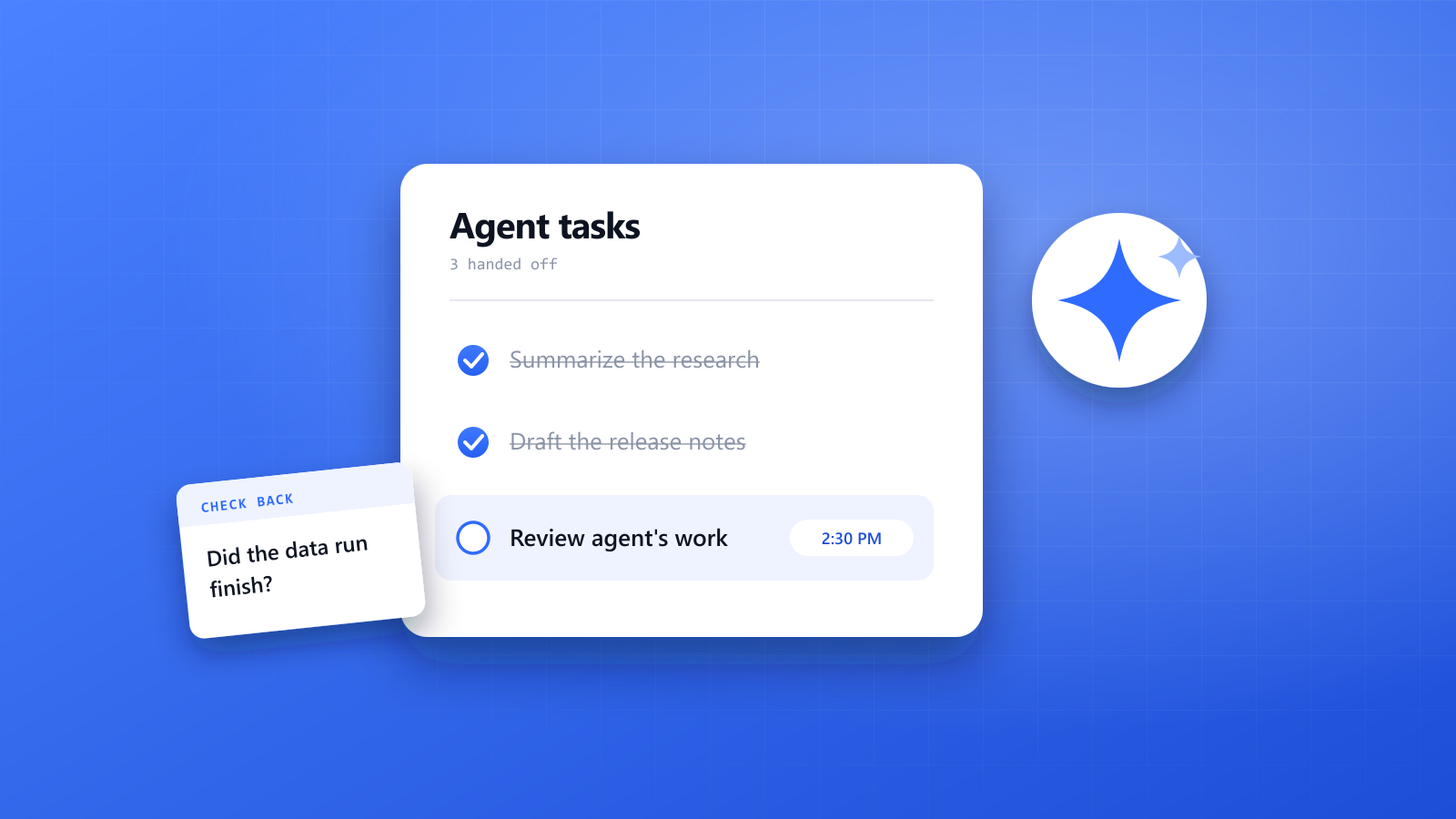
Handing a task to an AI agent feels great. You describe what you want, it starts working, and you move on to something else.
Then the afternoon goes by. At 6 p.m. you remember that the agent stopped two hours ago, waiting for you to answer one question. Or it finished before lunch, and the work has been sitting there unread ever since.
The agent saved you the doing. It didn't save you the remembering. This guide is about that second part: how to keep track of what you've handed off, so finished work gets reviewed and stuck work gets unstuck.
Why delegated work is so easy to forget
Working with an agent changes the shape of your day. You used to do one thing at a time. Now you might have three things running, and none of them need you until suddenly one does.
- The task leaves your attention on purpose. That's the point of delegating. But once it's out of your head, nothing brings it back.
- The waiting time is unpredictable. A job might take four minutes or forty, so you can't just plan around it.
- Agents often go quiet when they stop. Finished, failed and waiting for your input can all look the same from another tab.
- The work lives in different places. One task is in a chat, another in a code review, another in a shared document.
Remembering to do something later, with nothing to prompt you, is what psychologists call prospective memory, and it's the kind of memory people are least reliable at. We explained why in why you forget to do things. An agent running in the background is a perfect example: it's a task you've chosen to stop thinking about, and you still have to come back to it.
Where it goes wrong
Most of the trouble falls into a few familiar patterns, each with a simple fix.
| Situation | What goes wrong | What helps |
|---|---|---|
| A long-running task | It finishes, and nobody looks at it for hours | A check-back time set the moment you start it |
| An agent waiting for your answer | It stalls on one question while you assume it's still working | An early check-in, soon after it starts |
| Several tasks at once | You lose track of which one is at which stage | One short list with each task and its next check |
| Finished code or a draft to review | It gets merged or sent because it looks right, or sits unreviewed | A separate review slot, when you have the attention for it |
| A scheduled or recurring agent job | It quietly stops working, and nobody notices for weeks | A regular time to read its latest output |
| A result you need to verify | Something it claimed goes unchecked and gets repeated | A note saying exactly what to verify, and by when |
A simple system for checking back
You don't need a dashboard or a new process. You need a few small habits around the moment you hand something off.
1. Set the check-back time when you start the task
When you give an agent a job, decide right then when you'll look at it again. It takes a few seconds, and you still remember what you asked for. Psychologists call this kind of specific plan an implementation intention: "at 2:30, I'll review the agent's changes" is much easier to act on than "I'll check on it later."
2. Guess long, then add an early check
For anything big, use two check-ins. A short one soon after it starts tells you if the agent misread the task or stopped to ask a question. A later one is for the actual result. The early check is what saves a whole afternoon of waiting on something that stalled in the first minute.
3. Write down what "done" means
Before you walk away, note what you'll actually look for. "Tests pass and the login page still works" is a review you can do in five minutes. "See how it went" is a review you'll put off.
4. Review in a block, not on arrival
You don't have to jump every time a task finishes. Reviewing someone else's work takes real attention, and that's just as true when the someone is an agent. Group your reviews into a slot or two a day, so they don't break up your own work and don't get rushed between meetings.
5. Never let "finished" mean "done"
Treat agent output as a draft until you've read it. A task is done when you've checked it and acted on it, not when the agent says it's finished. Keeping that difference clear is most of the job.
Doing it with nudgeTab
nudgeTab is a reminder app with a Chrome extension. It doesn't run, monitor or talk to your agents, and it won't know when one has finished. What it does is simpler: it brings the right page back to you at the time you chose, which is exactly what a check-back needs.
Here's how that looks:
- On the page where the task lives, whether that's a chat, a code review or a document, click the nudgeTab extension. Type "Review the agent's changes" and pick a time. The page's title and link are saved with the reminder.
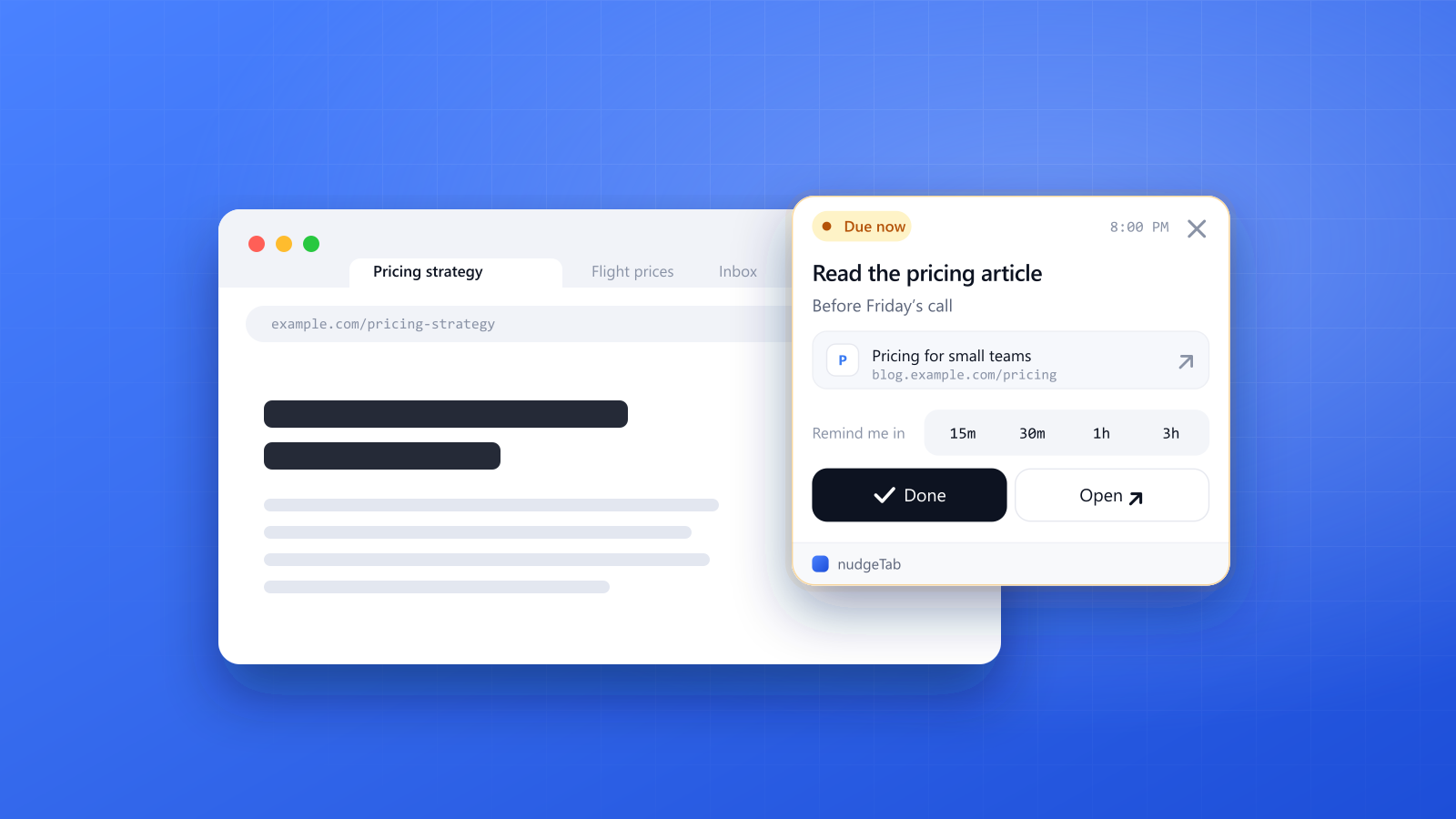
- When the time comes, the reminder appears on top of whatever tab you're using, and stays there until you deal with it.
- Click Open to go straight back to the task. Hit Done when you've reviewed it, or snooze for 15 minutes, 30 minutes, 1 hour or 3 hours if the agent needs longer or you're in the middle of something.
A few practical notes:
- Use the note field for your "done" check. "Make sure it didn't change the billing code" is what you'll want to see when the reminder comes up.
- Snooze suits unpredictable jobs. If you check too early and the agent is still working, snooze it for 30 minutes rather than trying to remember again.
- No page for the task? If your agent runs somewhere without a web page, set the reminder on the related ticket or document instead.
- Keep it all in one list. Your reminders also show in the nudgeTab dashboard, so you can see everything you're waiting on.
- The Free plan holds up to 10 reminders, which is plenty for a few agent tasks at a time. Pro removes the limit and adds recurring reminders (daily, weekly or monthly), which suit checking a scheduled agent job, plus email and push notifications and a daily email digest.
A developer with two tasks running
Before a meeting, a developer asks one agent to fix a failing test and another to draft a database migration. On the first task's page, a reminder is set for 15 minutes, in case it needs input. On the second, one is set for after the meeting, with the note "check that it can be rolled back". The meeting ends, the reminder appears, and one click opens the migration for review.
A marketer waiting on research
A marketer asks an agent to gather competitor pricing pages for a report. That will take a while, so a reminder goes on the chat for 3 p.m. with the note "open each source and confirm the numbers". When it appears, the checking takes twenty minutes, and the numbers that make it into the report have all been seen by a person.
A founder with a weekly agent job
A founder has an agent that summarizes customer feedback every Monday morning. A recurring weekly reminder on the summary page comes up at 11 a.m. If the summary is missing or out of date, they find out that morning rather than a month later.
The takeaway
AI agents are good at doing the work while you're away. They aren't good at making sure you come back. So every time you hand something off, give it a time to return to you, and keep that time attached to the page where the work lives.
Try it on the next task you delegate: set one nudgeTab reminder on it before you switch tabs, and see how it feels to stop wondering whether it's finished.