 nudgeTab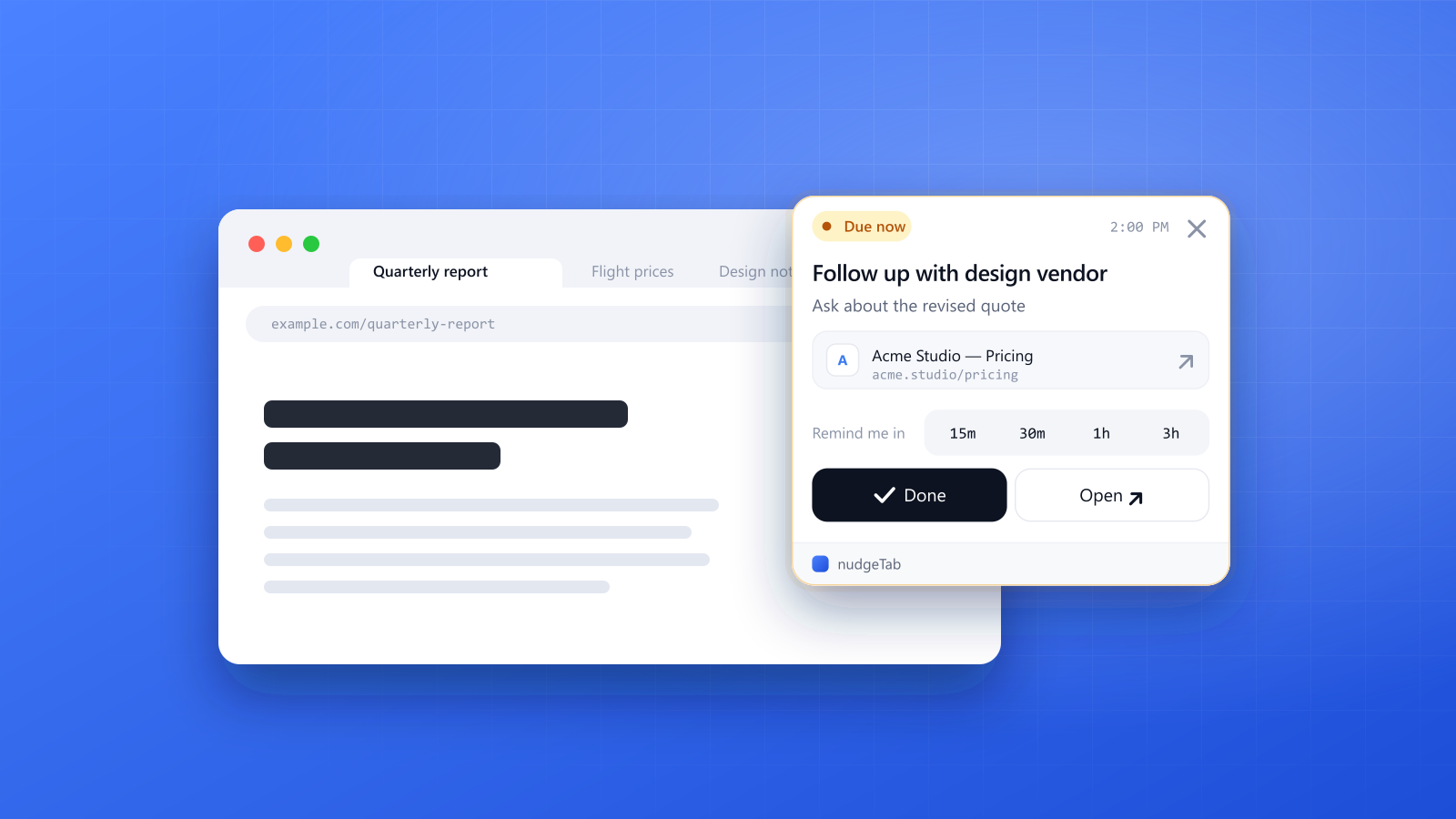
You open a page you need to come back to: a contract to review, a flight price you're watching, an article you promised yourself you'd read. You tell yourself you'll remember. Then thirty tabs later, you don't.
nudgeTab exists for exactly that moment. It's a reminder app with a Chrome extension that shows your reminder on whatever tab you're already looking at, and keeps it there until you deal with it.
The problem with ordinary reminders
Most reminder apps live in a place you have to remember to check. A notification pops up in a corner, you swipe it away, and it's gone. The reminder was technically delivered, but it never had a chance to interrupt what you were doing.
Browser work is different. When you're deep in a tab, the thing you need to remember is usually about a page: a specific URL, in a specific context. A generic "check that thing" reminder loses all of that.
How nudgeTab works
There are three steps, and none of them take longer than a few seconds.
- Create a reminder. From any page, click the nudgeTab extension, give the reminder a title and an optional note, and pick when you want to be nudged. The page's title and URL are captured for you.
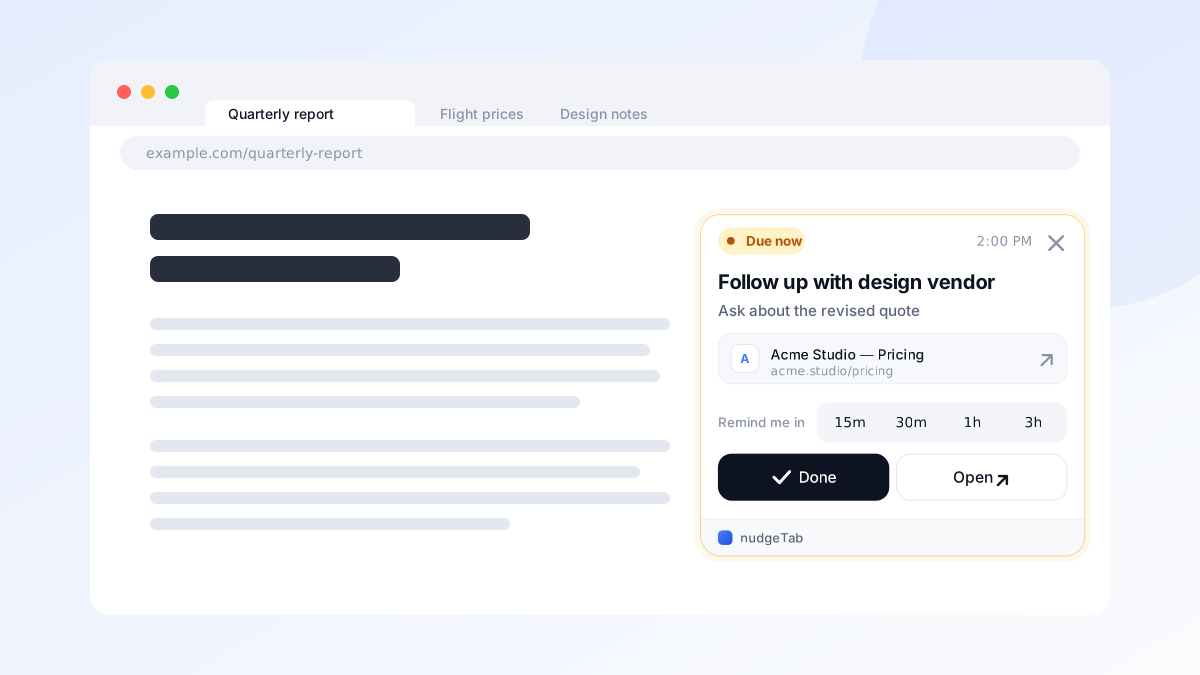
- Get nudged at the right time. When the reminder is due, it appears as an overlay on the tab you're currently using, not just in a corner or in a tab you forgot was open.
- Deal with it. The reminder stays until you act. Tap Done, open the page, or snooze it for 15 minutes, 30 minutes, 1 hour or 3 hours.
What you get
In the browser
- Works on any website. Set a reminder on anything, anywhere on the internet.
- Shows on the tab you're on. The overlay follows your attention across tabs.
- Sticks until handled. No swiping away and forgetting.
- Done, Open or snooze. Finish the reminder, jump to its page, or push it back by 15 minutes to 3 hours.
In the web app
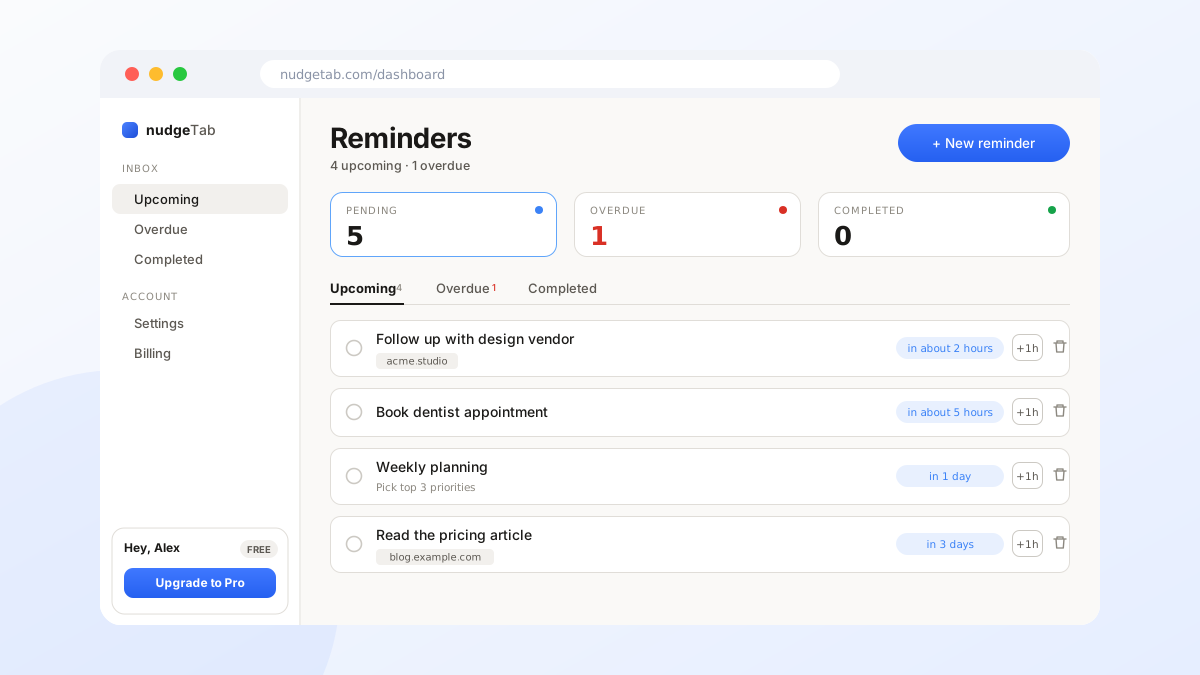
Your reminders also live in your nudgeTab dashboard, so you can create, review and manage them from any device.
Free and Pro
You can start for free, with no credit card. Pro is there when you outgrow the basics.
| Feature | Free | Pro |
|---|---|---|
| Reminders | Up to 10 | Unlimited |
| In-app reminders | Yes | Yes |
| Extension overlay alerts | Yes | Yes |
| Email notifications | No | Yes |
| Push notifications | No | Yes |
| Recurring reminders | No | Yes |
| Daily email digest | No | Yes |
| Completed history | 7 days | 30 days |
Who it's for
nudgeTab is built for people who do a lot of their work in a browser. Because a reminder is tied to the page you set it on, it fits anywhere your work lives on a web page:
- Project managers set a reminder on the project board to send a status update or chase a blocked task, so it comes back with the board right in front of them.
- Teachers set a reminder on the gradebook or the assignment page for the day grading has to be finished, and another for the parent email that's still waiting.
- Sales and customer success teams set a reminder on a customer's record to follow up after a call, so renewals and proposals don't go quiet.
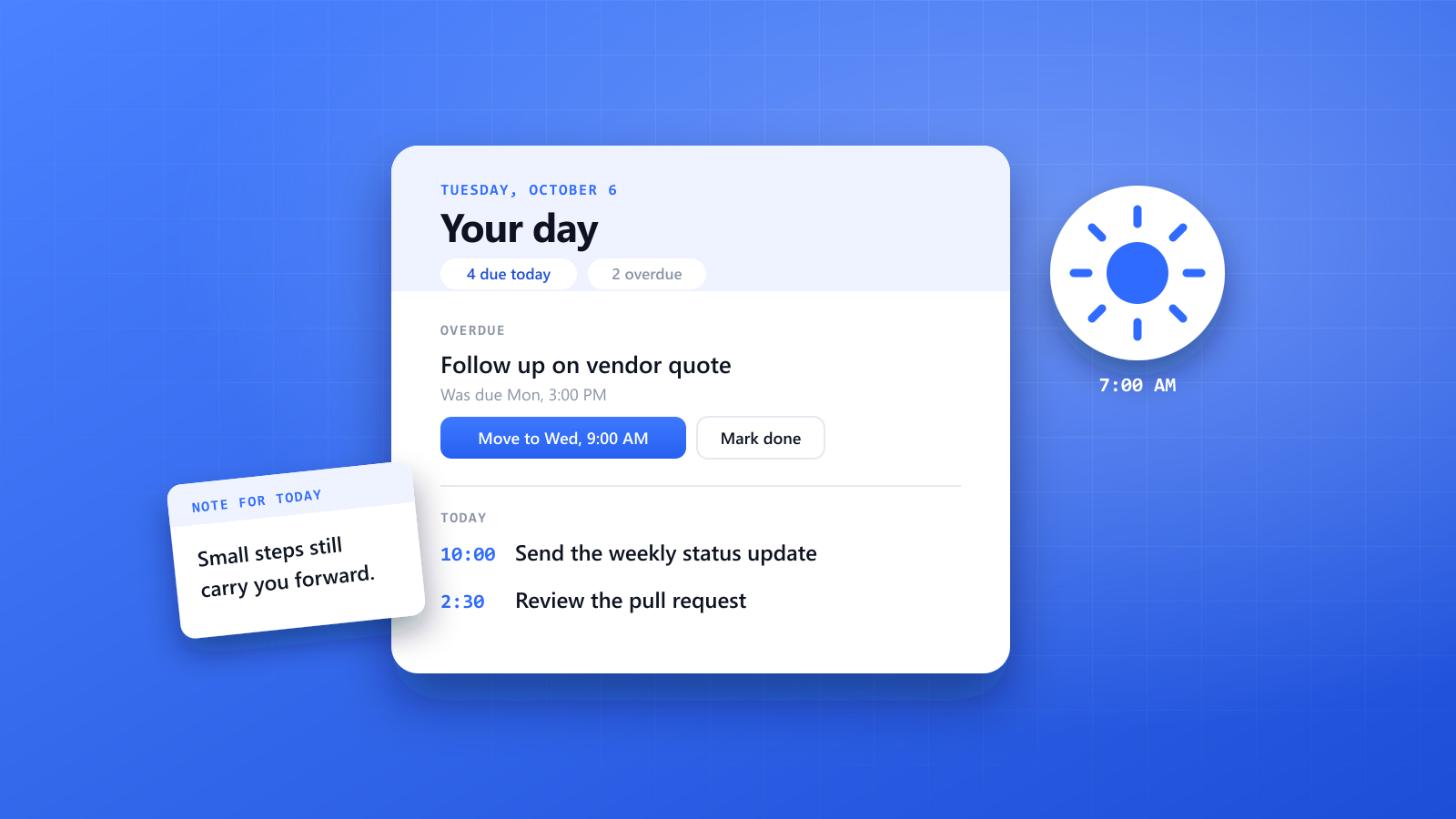
- Software developers set a reminder on a pull request or a documentation page to come back and review it once a build finishes.
- Accountants and finance teams set a reminder on the filing or invoicing page ahead of a deadline, with time left to fix problems.
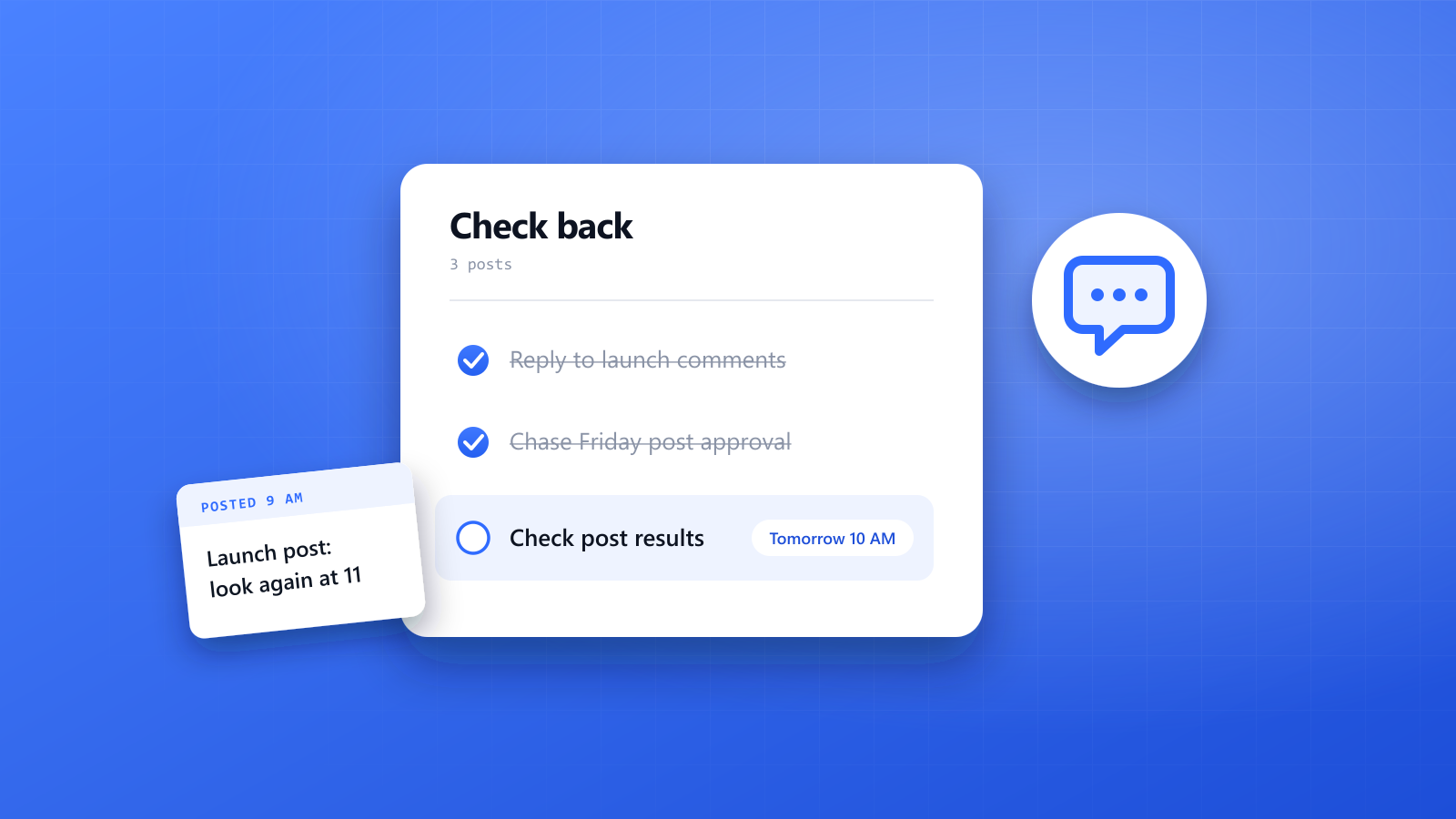
- Marketers set a reminder on a campaign or analytics dashboard to check the results at the right moment.
- Researchers and students set a reminder on a paper or a course page for the reading they've promised themselves.
- Freelancers and small business owners set a reminder on an invoice or a client thread for the replies and payments they're waiting on.
And it's useful for anyone who has ever lost an important tab.
Get started
Install the extension, create your first reminder on the page you're on right now, and let nudgeTab bring it back to you at the right moment. It takes about 30 seconds.