 nudgeTab
When you work for yourself, nobody chases you. That sounds like freedom until you realise it also means nobody reminds you to send the invoice, follow up on the proposal, or check whether the client ever replied to your question from last Tuesday.
Most freelancers don't lose money because of bad work. They lose it in the gaps: the invoice sent two weeks late, the lead that went cold, the retainer that ended because nobody brought up renewing it. This guide is about closing those gaps.
Why freelance admin slips so easily
The client work itself is usually clear and scheduled. Everything around it isn't.
- You're the whole back office. Sales, project management, billing and support all sit with one person, and the client work always feels more urgent.
- Most tasks are "later" tasks. You can't chase an invoice the day you send it. You have to come back in a week or two, when your attention is on something else.
- Each client lives in a different place. One uses email, another a project board, a third a shared document full of comments. There's no single inbox that holds everything.
- Silence doesn't remind you of anything. A client who hasn't replied doesn't send you a notification about not replying.
Remembering to do something in the future, with nothing to prompt you, is the kind of memory that fails most often. We went into why in why you forget to do things. Freelance admin is built almost entirely out of that kind of task.
The follow-ups that cost freelancers the most
It helps to name the repeating types. Each one has a natural moment to come back to it.
| Task | When to come back | What goes wrong without a prompt |
|---|---|---|
| Following up on a proposal or quote | A few days after sending it | The lead goes cold, or hires someone who did follow up |
| Chasing a client's feedback or approval | A day or two before you need it to stay on schedule | Your timeline slips, and so does the next project |
| Sending the invoice | The day the work is delivered or the milestone is hit | Billing gets batched "later" and goes out weeks late |
| Chasing an unpaid invoice | On or just after the due date | Late payment becomes normal for that client |
| Raising a retainer or contract renewal | A few weeks before it ends | The work simply stops, with no conversation about continuing |
| Checking in with a past client | A couple of months after a project ends | Repeat work goes to whoever stayed in touch |
| Your own recurring admin | On a fixed weekly or monthly rhythm | Expenses, bookkeeping and tax prep pile up into one bad weekend |
A simple system that works
You don't need a full business management setup. You need a way to make every "I'll follow up on that" come back to you on time.
1. Set the follow-up when you send
The best moment to decide when you'll chase something is the moment you send it. Proposal sent? Decide now when you'll check back. It takes ten seconds while the context is fresh, and it's the step most people skip.
2. Invoice on delivery, not "at the end of the month"
Batching invoices feels efficient, but it gives every invoice a chance to slip. Where your agreement allows, send the invoice the same day the work is accepted, and set a reminder for its due date at the same time.
3. Treat a late payment as a process, not a feeling
Chasing money feels awkward, so it gets put off. Decide your steps in advance, such as a friendly note on the due date and a firmer one a week later, so each step is just the next item.
4. Keep the link with the task
"Follow up with Dana" is half a task. The other half is where: the email thread, the shared document, the invoice page. Keeping the task attached to its page saves you from hunting for it later.
5. Put recurring admin on a fixed slot
Bookkeeping, expense receipts, checking your pipeline and setting money aside for tax happen on a cycle. Give each a fixed day, such as Friday afternoon or the first Monday of the month, so they stop depending on you noticing.
Doing it with nudgeTab
nudgeTab is a reminder app with a Chrome extension. It won't send invoices, write your follow-up emails or keep your books. What it does is bring the right page back to you at the time you chose, which is exactly what most freelance follow-ups need.
Here's how that looks in practice:
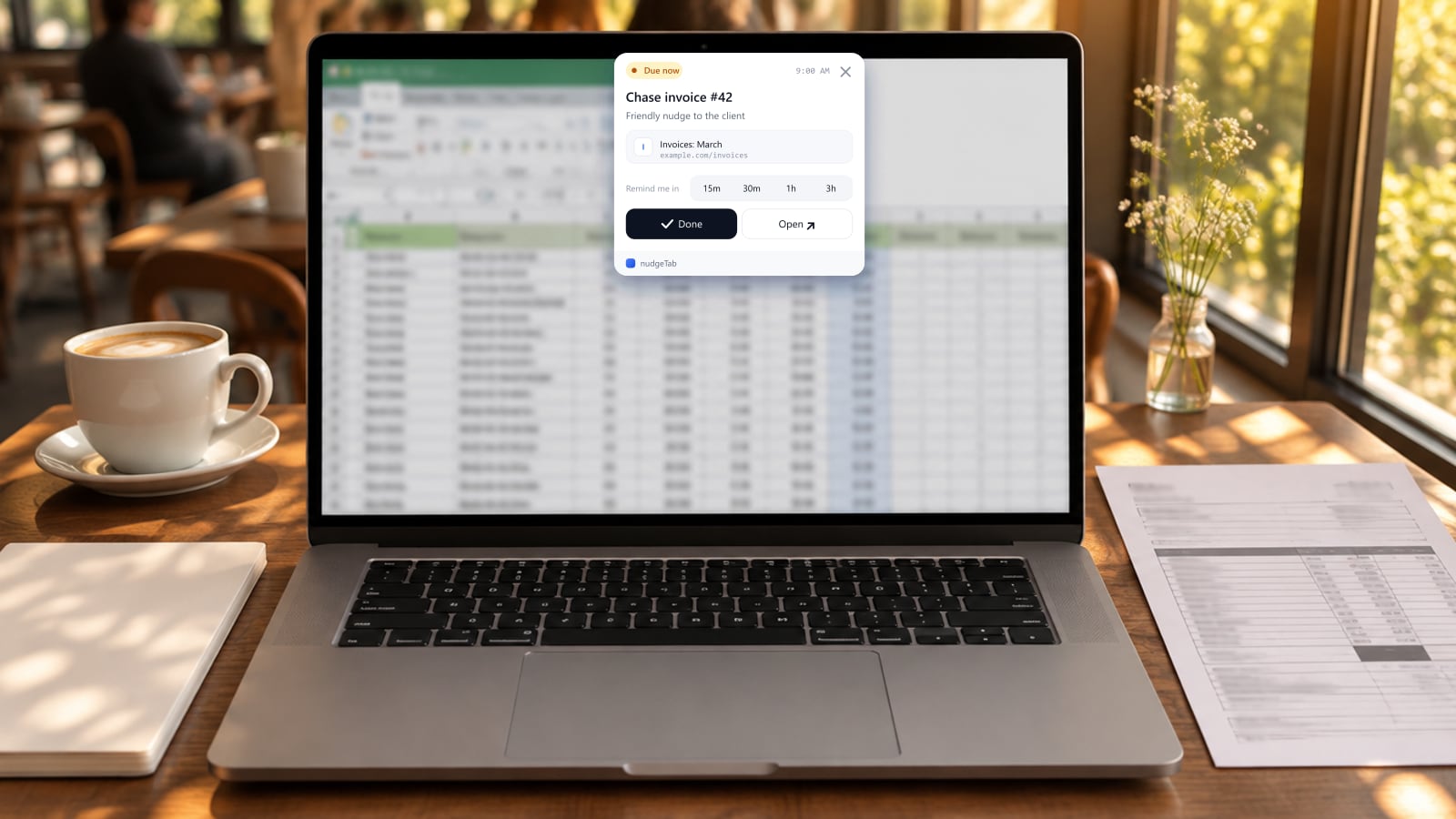
- On the page you're leaving, such as the sent proposal, the invoice or the client's comment thread, click the nudgeTab extension. Give the reminder a title like "Chase invoice #42", add an optional note, and pick a time. The page's title and link are saved with it.
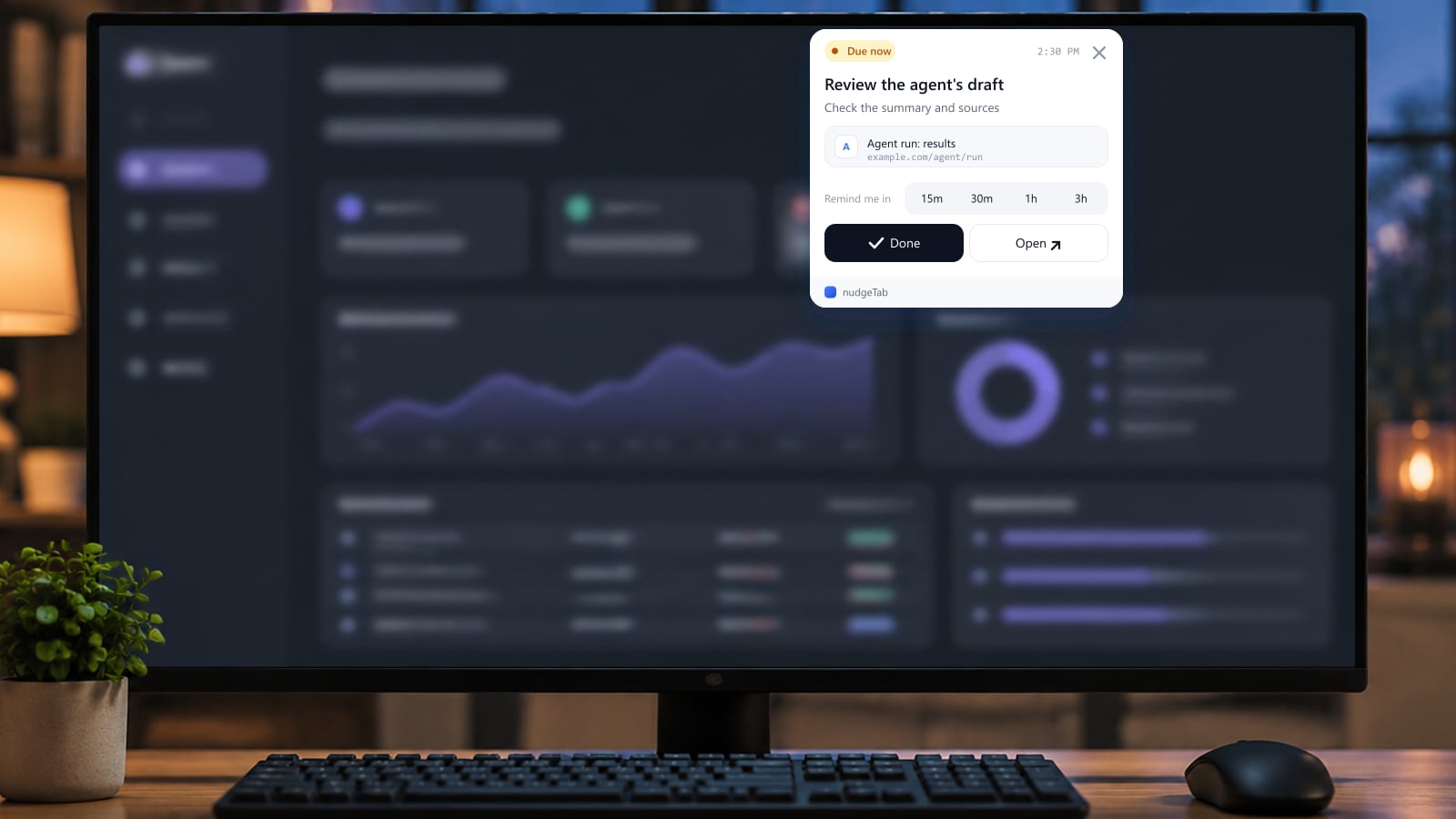
- When it's due, the reminder appears on top of whatever tab you're working in, and stays there until you act on it.
- Click Open to go straight back to that page. Hit Done once you've sent the follow-up, or snooze it for 15 minutes, 30 minutes, 1 hour or 3 hours if you're in the middle of client work.
A few practical notes:
- Use the note for context. "They said finance pays on the 15th" or "Second reminder, be firm" is what you'll want to know when the reminder comes back.
- All your clients in one list. Reminders also show in the nudgeTab web dashboard, whichever tool or client each one came from.
- The Free plan includes 10 reminders a month, enough to cover your open invoices and proposals right now. Pro removes the limit and adds recurring reminders that repeat daily, weekly or monthly, which suit bookkeeping and pipeline reviews, plus email and push notifications and a daily email digest of what's due.
How it fits different kinds of freelance work
| Who you are | What tends to slip | What helps |
|---|---|---|
| Freelance designer | Feedback rounds that stall between versions | A reminder on each delivered draft, set for when you need comments back |
| Freelance writer or editor | Pitches that never get a reply | A follow-up reminder on each pitch, a few days after sending |
| Freelance developer | Sign-off on finished work, and the invoice that depends on it | A reminder on the handover thread, and another on the invoice's due date |
| Consultant on retainer | Renewal conversations | A reminder on the contract a few weeks before it ends |
| Freelance photographer or videographer | Delivery deadlines and final payments after a shoot | A reminder on each gallery or delivery page, tied to the payment date |
| Translator or transcriptionist | Small invoices across many clients | An invoice reminder set the moment each job is delivered |
A designer waiting on feedback
A logo draft goes to the client on Monday. Instead of waiting to hear back, a reminder is set on the email thread for Wednesday at 10 a.m.: "Ask for feedback, need it by Friday to stay on schedule." On Wednesday it appears over the design tool. One short message later, the feedback arrives Thursday and the project stays on track.
A developer chasing an invoice
A project is signed off and the invoice goes out with 14-day terms. On the invoice page, a reminder is set for the due date with the note "Friendly nudge first." The day comes, payment hasn't arrived, and the reminder brings the invoice page straight back. A polite follow-up takes two minutes, and the second, firmer step gets its own reminder a week later.
The takeaway
Freelancers rarely lose clients or money over the big things. They lose them in the small follow-ups nobody else will remember for them.
Give each follow-up a time, and keep it attached to the page it's about. Try it on your oldest unpaid invoice today: set one nudgeTab reminder on it for tomorrow morning, and let the page come back to you instead of living in your head.