 nudgeTab
A lot of what we wait on at work isn't a time. It's a change on a web page: an application that's been "Under review" for two weeks, a pull request waiting for approval, a client portal that will eventually say "Paid", a product that's out of stock.
So we refresh. We open the same tab again and again, or we forget to check and miss the moment it changed.
Page watch fixes that. Instead of a reminder at a time, you get a reminder when the page changes the way you care about.
How it works
- Open the page you're waiting on.
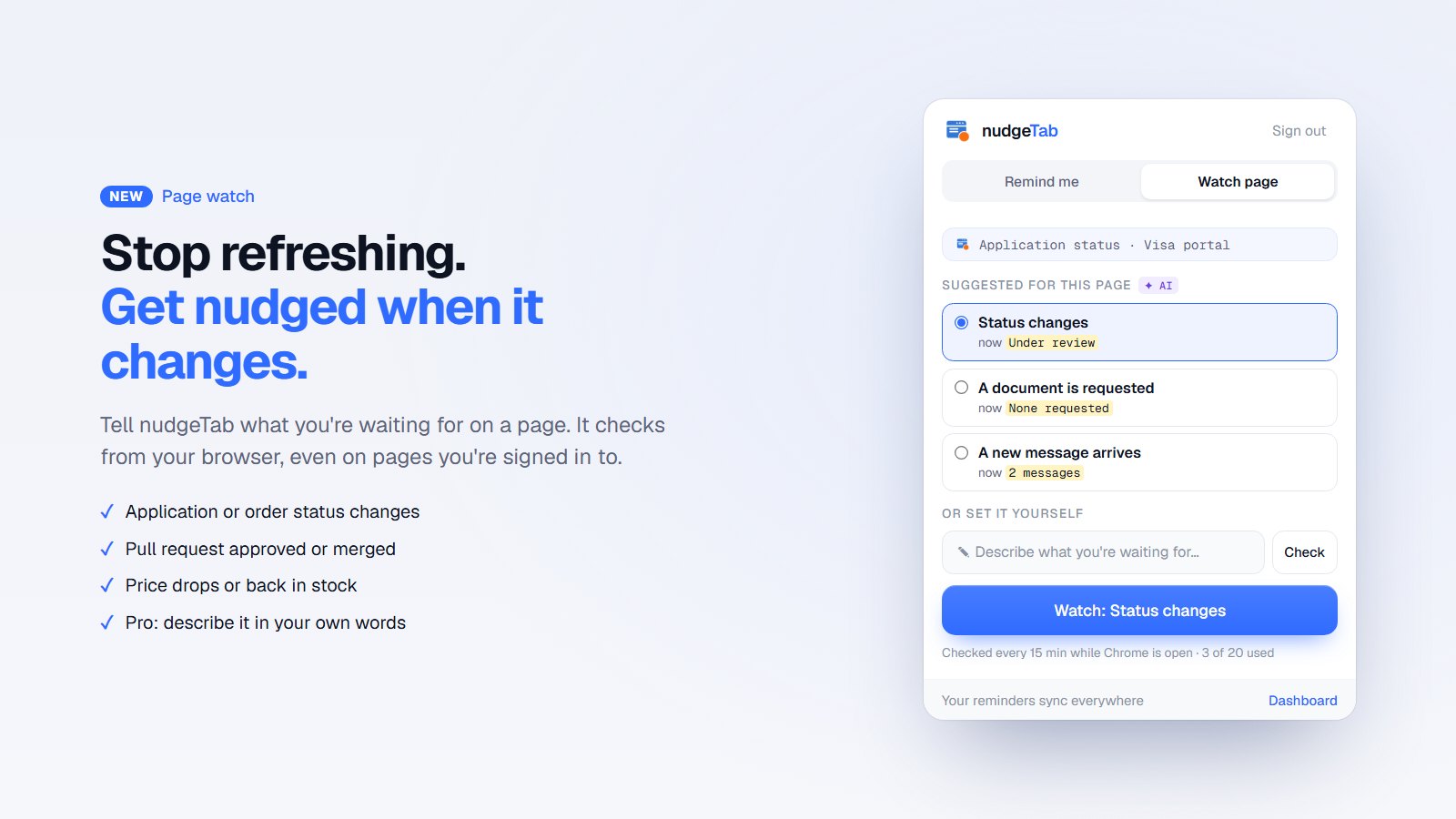
- Click the nudgeTab icon and switch to the new Watch page tab.
- Pick one of the suggestions (or set your own trigger) and click Start watching.
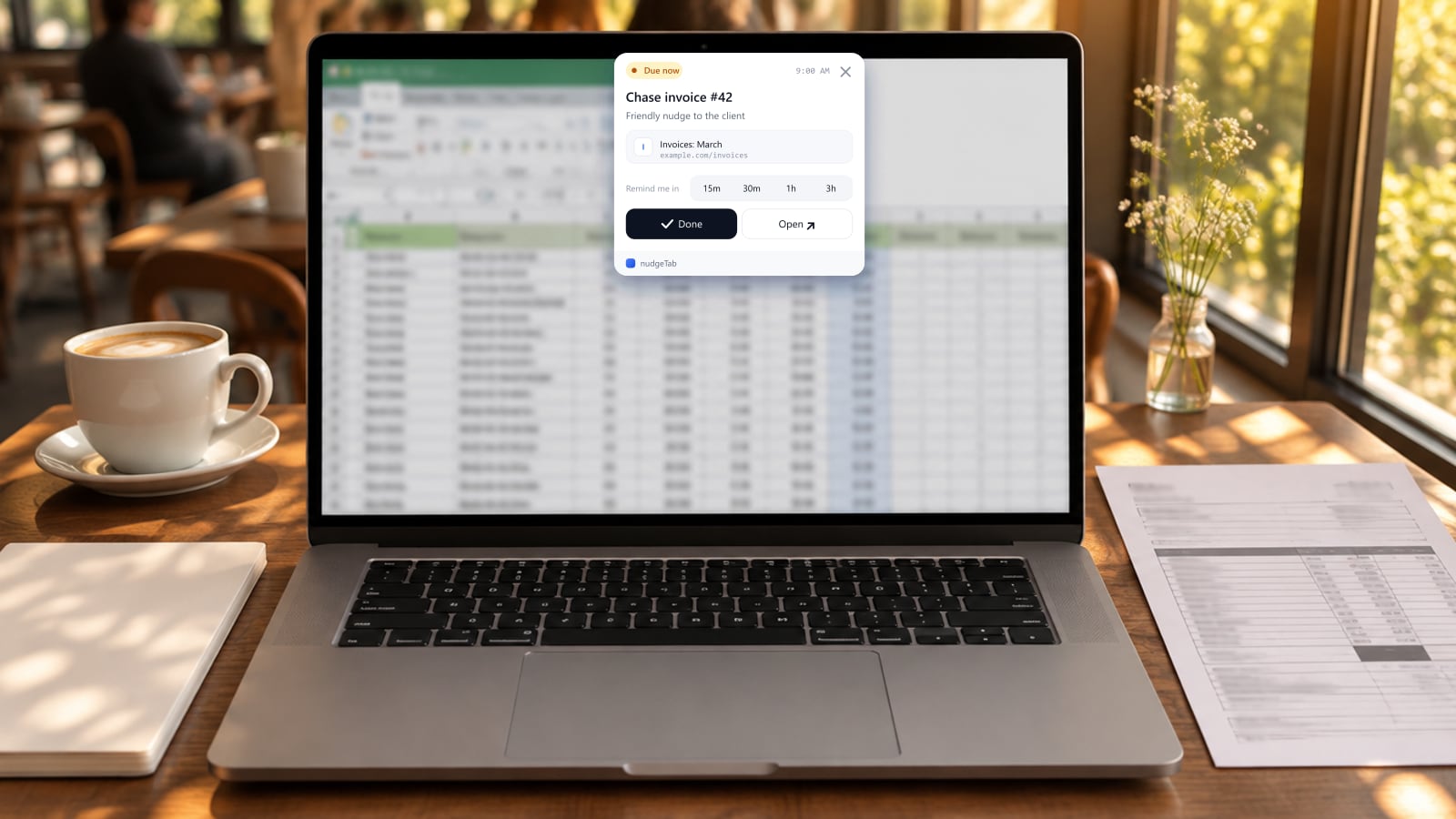
That's it. When the page changes, a normal nudgeTab reminder appears on whatever tab you're using, saying what changed, with Open page, Keep watching and Done.
It suggests what to watch
You don't have to work out what to set up. When you open the Watch page tab, nudgeTab looks at the page and suggests the most likely watches:
| Page | Suggestions |
|---|---|
| An application or order status page | Status changes |
| A GitHub pull request | Approved or merged · Pull request closed |
| A shop's product page | Price drops below a target · Back in stock |
| Any page | These words appear · These words disappear |
Each suggestion shows what the page says right now, so you can see nudgeTab read the page correctly before you start.
Smart page watch (Pro)
On Pro, page watch understands the page for you:
- Suggestions on any page, not just common sites. Open a student portal, a government site or an internal tool, and nudgeTab suggests things like "Grades posted" or "A document is requested".
- Describe it in your own words. Type "tell me when my application is no longer Under review" or "when a new remote designer job is posted", and nudgeTab works out which part of the page to watch. It shows you what it picked before you start.
- Alerts that say what happened. Not "the page changed", but "Visa application moved to Further information requested". If the part you're watching mentions a deadline, like a message asking for a police certificate by Nov 28, the alert includes it, and the reminder in your dashboard offers to remind you a couple of days before. Tip: to catch details like that, watch the messages section rather than just the status.
Who it's for
- Applicants: visa, job and school applications that sit on "Under review".
- Developers: know when a pull request is approved or merged without refreshing GitHub.
- Students: grades posted, registration open, a deadline moved.
- Project managers and freelancers: a ticket moves to Done, a client portal marks an invoice Paid.
- Shoppers: a price drops below your target, or something is back in stock.
- Job seekers: a company posts the role you've been waiting for.
Free and Pro
| Free | Pro | |
|---|---|---|
| Page watches | 1 | 20 |
| How often pages are checked | About every hour | Every 15 minutes |
| Suggestions | Common sites (shops, GitHub, status pages) | Any page, with AI |
| Describe it in your own words | No | Yes |
| Alerts | Plain alert | Says what changed, and any deadline |
Setting up a watch doesn't use any of your free plan's 10 reminders a month. When a watch fires, it becomes a reminder and counts as one.
Good to know
- Checks happen in your browser. nudgeTab checks watched pages from your own Chrome, so it works on pages you're signed in to, like portals and dashboards. Checks only run while Chrome is open; if it's closed, they pick up when you open it again.
- It stops after it fires. Once a watch fires, it stops, so you don't get the same alert twice. Click Keep watching to start it again, for example to catch a further price drop.
- Your pages stay private. nudgeTab only reads the pages you chose to watch, and only hears about them when the part you're watching changes. On Pro, a short summary of the page is used to suggest watches and write your alert. Nothing is used for ads. See the privacy policy for details.
- Manage everything in one place. The new Watching page in your dashboard lists every watch, what it says now, when it last changed, and lets you pause or remove it.
Try it
Update the nudgeTab extension (Chrome usually does this automatically), open a page you're waiting on, and click Watch page. The free plan includes one page watch, and Pro gives you twenty with smart suggestions.